AI Trading Coach: How to Use AI as Your Trading Mentor
What an AI trading coach is, how it differs from a mentor or signal bot, and how to use one to review your real trades, with my own MT5 review as the example.
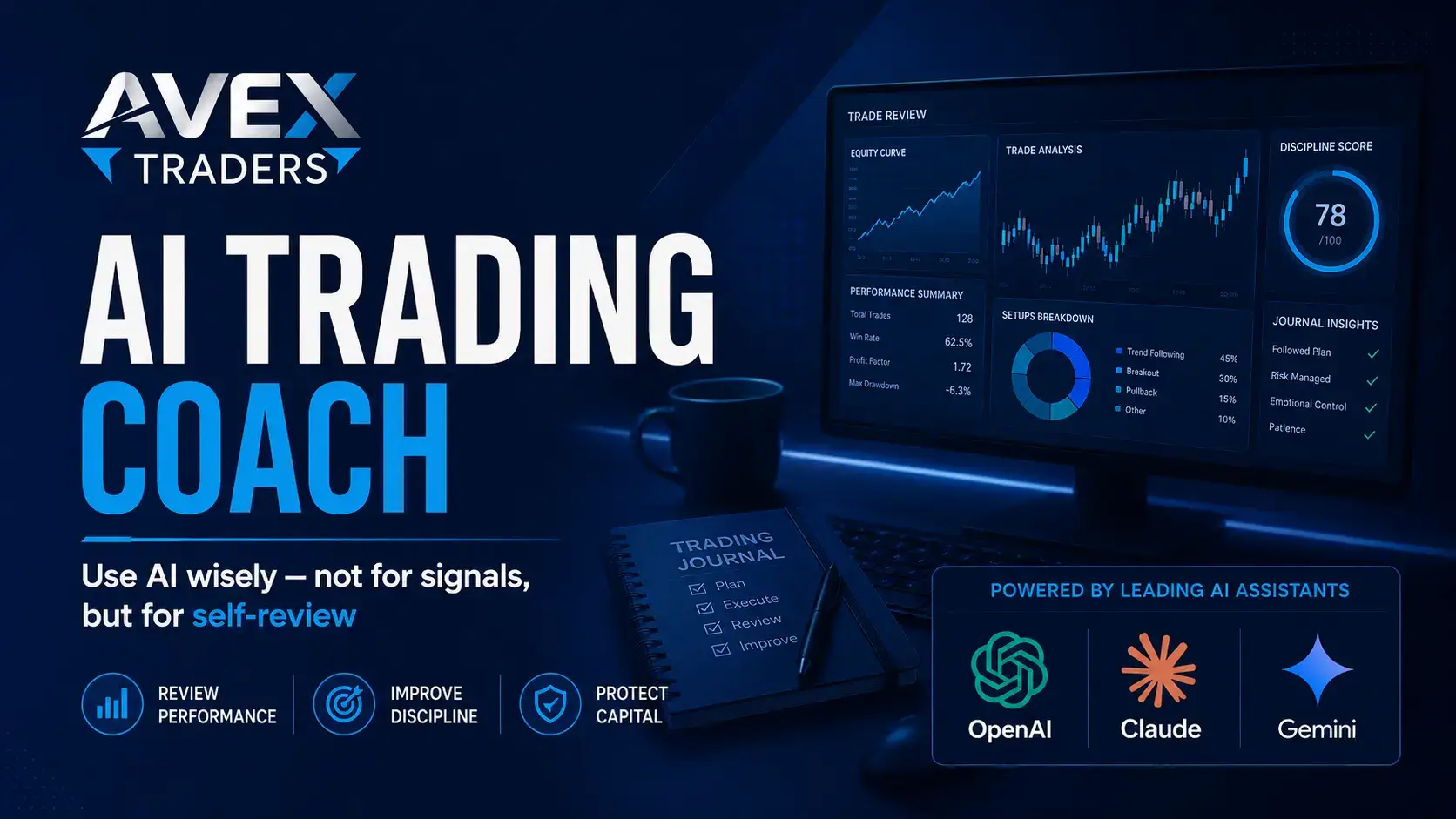
Most traders use AI the wrong way.
They ask: "Should I buy or sell gold now?"
That is not what AI is good at. AI cannot see the future of the market, and it should not replace your judgment.
But used properly, AI can become something very useful: an AI trading coach. A reviewer that reads your real trades, checks your risk, and tells you honestly where your process is weak.
This guide explains what an AI trading coach is, how it differs from an AI trading mentor or a signal bot, what to look for in AI trading coach software, and exactly how I used one to review my own MT5 account.
What Is an AI Trading Coach?
An AI trading coach is an AI tool that reviews your trading history and behavior, not the market. You give it your trade records, and it analyses your risk, position sizing, overtrading, drawdown and discipline, then suggests rules to fix the weak points. It does not tell you where to buy or sell.
Think of it like a flight instructor reviewing a simulator session. The instructor does not fly the plane. They watch what you did, point out the errors, and give you the next thing to practise.
AI Trading Coach vs AI Trading Mentor vs Signal Bot
These terms are often mixed up. They are not the same thing.
| AI trading coach | AI trading mentor | Signal bot | |
|---|---|---|---|
| Looks at | Your past trades | Your goals, plan and progress over time | The market |
| Gives you | A review and new rules | Guidance, explanations and a learning path | Buy and sell calls |
| Makes you | A better trader | A more structured learner | Dependent on the bot |
| Risk | Low: you still decide | Low: you still decide | High: you follow blindly |
In practice, one good AI assistant can do both coach and mentor work if you ask the right questions. A signal bot is a different product with a different goal. At Avex Traders, we only recommend the first two.
What to Look for in AI Trading Coach Software
You do not need special or expensive software to start. General AI assistants such as ChatGPT, Gemini or Claude can already review an exported trade history. Whatever tool you use, check these points:
- It reads your real data. It should accept your broker or MT4/MT5 export (CSV, HTML or Excel), not just a description of how you think you traded.
- It focuses on process. Risk per trade, position size, number of trades, holding time, drawdown and rule-breaking, not price predictions.
- It explains its reasoning. A good review shows which trades it is talking about and why. Vague praise is useless.
- It is consistent. Use the same review prompt every week so you can compare sessions fairly.
- It protects your privacy. Remove your account number and personal details before uploading anything.
- It does not sell signals or trade for you. If a "coach" also wants to place trades or sell calls, it is not a coach.
Can an Automated Trading Mentor Replace a Human One?
Not fully. AI is fast, patient and honest about numbers. It will not get tired of reviewing your 73rd trade. But it does not know your life, your stress, or what you were feeling when you doubled your size after a loss, unless you tell it.
The best setup is simple: AI for the regular, detailed review. Your own journal for emotions and context. A human mentor or community for the bigger questions. Each covers what the others miss.
How to Set Up Your AI Trading Coach in 5 Steps
- Export your trade history. In MT5, open the History tab, right-click, and save a report. One to four weeks of trades is a good sample.
- Remove personal details. Delete your account number, name and broker login from the file.
- Give the AI a clear role. Tell it to act as a strict professional trading coach who reviews risk and process, and who must not give trade signals.
- Ask for specific checks. Performance summary, win rate and profit factor, drawdown, position sizing, scaling, overtrading, holding time, and a live-readiness verdict.
- Turn the review into rules. End every review by asking: "Give me a maximum of three rules to test in my next sessions." Then test them and repeat the review next week.
The exact prompt I use is in the free AI Trading Prompt Pack.
My Own Review: What the AI Trading Coach Found
I had started testing fast scalping on a demo account, and the result looked impressive.
The account started with $1,000 and grew to around $3,364 in closed balance. The report showed 73 trades, a net profit of about $2,364, a profit factor of 6.27, and a win rate around 83.6%.
On paper, this looked very strong. But I knew something was not fully right. Behind the profit, I could see familiar problems:
- too many trades
- aggressive scaling
- multiple open positions
- early entries
- basket exposure
- risk that was not always fixed before entry
This is one of the most dangerous situations in trading: the account is growing, but the process is not clean. And if the process is not clean, one bad day can erase everything.
So I uploaded my MT5 history and asked AI to review it like a professional coach. I did not ask "Was this trade good?" or "Where is the next entry?" I asked about risk management, scaling, exposure and live-readiness.
The review confirmed the good side: my price-action reading was improving. Most trades were closed quickly, so I was really scalping, not turning scalps into swing trades. It highlighted a buy basket and a sell basket on May 12 that I read well.
It also exposed the risk. I often used 0.10 lot per position, sometimes with several positions open at once. Some baskets reached 0.70 to 0.90 lot of total exposure, which is far too aggressive for a small account.
The most useful sentence in the whole review was this: the demo result was good, but not yet professionally reliable.
Many traders see profit and think, "I'm ready for live trading." The AI helped me separate performance from process.
How the Feedback Changed My Trading Rules
After the review, the test was no longer "How much profit can I make?" The better question became: can I make money with small fixed risk, limited trades, and no rescue scaling?
My new rules became:
- smaller risk per trade idea
- maximum two entries per idea
- no adding unless the second entry is valid on its own
- a maximum daily loss
- a daily profit target, then stop
- stop after any emotional loss
- classify every trade before entry
- journal the setup type clearly
The review also suggested splitting trades into setup types: spike continuation, pullback scalp, reversal scalp and range scalp. If all trades are mixed together, you cannot know which setup is actually profitable.
That is where AI was most valuable. Not as a shortcut, but as a structure builder.
What an AI Trading Coach Should Not Do
AI should not replace your written trading strategy, your backtesting, or your screen time. It should not tell you blindly where to buy or sell.
Trading still needs practice, journaling, risk control, emotional discipline and execution skill. AI is not the pilot. You are.
10 Questions to Ask Your AI Trading Coach After Every Session
- Did I overtrade compared with my plan?
- Was my risk per trade the same on every trade?
- Did I add to losing positions?
- Was I scaling with logic or with emotion?
- Did I enter too early on any trade?
- Were my stops realistic for the market's volatility?
- Which setup type made money, and which lost it?
- What was my worst moment of discipline in this session?
- Am I ready for live trading? Why or why not?
- What are the three rules I should test next?
It helps you see what you may not want to admit. That is exactly what a good coach does. If your trading works but feels wrong, these questions usually show why.
Frequently Asked Questions
Is an AI trading coach worth it?
Yes, if you use it to review your process and not to predict the market. It is one of the cheapest ways to get an honest, detailed review of your trading every week. It is not worth it if you expect it to find winning trades for you.
Can AI tell me when to buy or sell?
It can produce an opinion, but no AI can reliably predict short-term price moves. Using AI for signals turns it into another shortcut. Use it to improve your decisions, not to make them for you.
Which AI is best for trade review?
Any capable AI assistant that can read a file, such as ChatGPT, Claude or Gemini, can review an MT4 or MT5 export. The prompt and the consistency of your review matter more than the tool.
Is it safe to upload my trading history to AI?
Remove your account number, name and any login details first. A trade list with dates, symbols, sizes and results is enough for a full review.
What is the difference between an AI trading coach and an AI trading mentor?
A coach reviews what you already did: your trades, risk and discipline. A mentor guides what you do next: your learning path, plan and goals. One AI assistant can do both if you ask the right questions.
Final Thought
This experience changed how I think about AI in trading. I do not want AI to tell me where to buy or sell. I want AI to help me become a better trader.
Used poorly, AI becomes another shortcut. Used wisely, it becomes a mirror. And sometimes, that mirror is exactly what a trader needs.
Try it yourself: the exact AI Trading Coach prompt I used is in the free AI Trading Prompt Pack. It works with ChatGPT, Claude or Gemini, and it reviews risk, overtrading, scaling, drawdown, trade duration, live-readiness and psychology. It is not a signal prompt. It is a self-review tool for traders who want to improve their process.